The Problem with Regular Video Notes
You're 47 minutes into a lecture. You write "the key insight about X" in Notion. Tomorrow, you have no idea which part of the 47-minute video that insight came from. Without a timestamp, your notes are just floating text — disconnected from the source that gave them meaning.
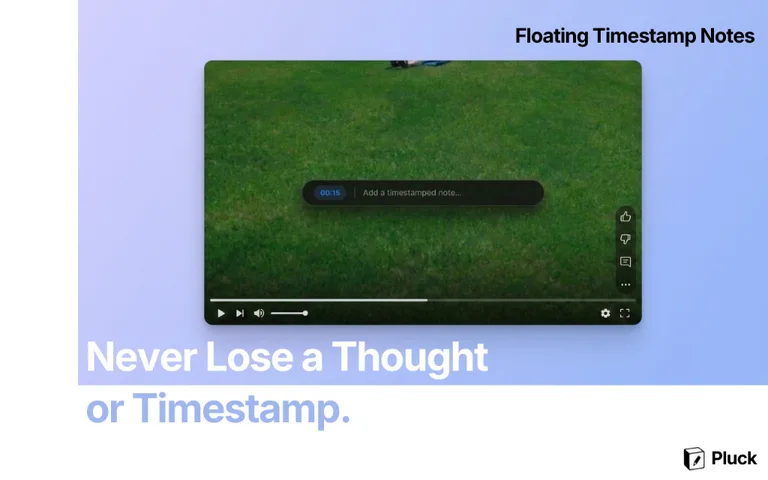
Pluck fixes this with one shortcut. Press Alt+N at any moment while watching YouTube and a floating note prompt appears over the player — without pausing the video. Type your thought, press Enter, and Pluck saves it to Notion with a clickable link to that exact second.