Your flow state called. It wants you to stop switching tabs.
Meet Pluck—the ultimate YouTube to Notion extension that brings your workspace directly into the video. Protect your flow state and stop switching tabs when you clip, annotate, and sync notes without missing a beat.
Stop Pausing. Keep Your Focus.
Learning from video is broken. Every time you pause a tutorial, switch tabs to your notes, type a summary, and try to find your place again, you lose your focus.
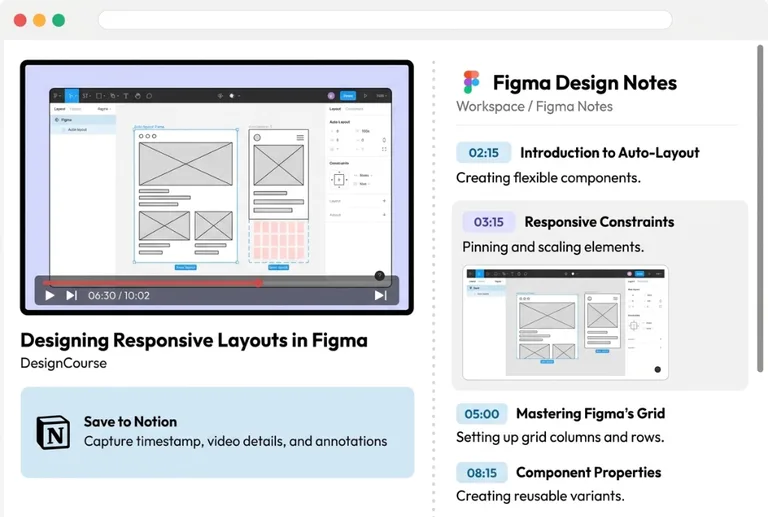
The solution is zero context switching. Pluck puts a complete study toolkit directly inside your YouTube player. You take notes, grab screenshots, and build your Notion workspace while the video keeps playing.
Your Complete Video Study Toolkit
Everything you need to turn passive watching into an organized knowledge base.
Your Notes, Right Next to the Video
Pluck opens a persistent side panel next to your YouTube player. Write notes, review your captures, and watch your Notion page build itself live—all on one screen.
Instant Smart Screenshots
Hit Alt+S to grab a clean, high-resolution screenshot of the video instantly, even in full screen.
Built-in Drawing & Annotation
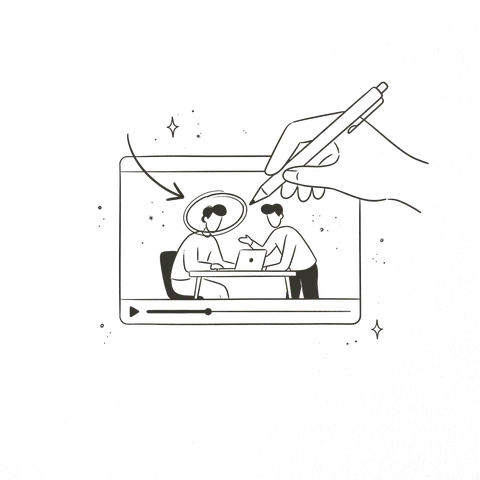
Draw rectangles, add arrows, highlight text, or write notes directly on your captured video frame before it syncs to Notion. Ensure your notes make sense months later.
Timestamped Quick Notes
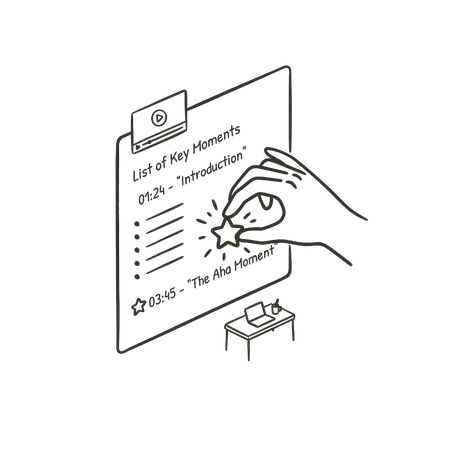
Have a thought but don't want to stop the video? Press Alt+N to open a lightweight quick-jot popup. Type your note, hit enter, and Pluck saves it to Notion with a clickable link back to that exact second in the video.
Save the Transcript Instantly
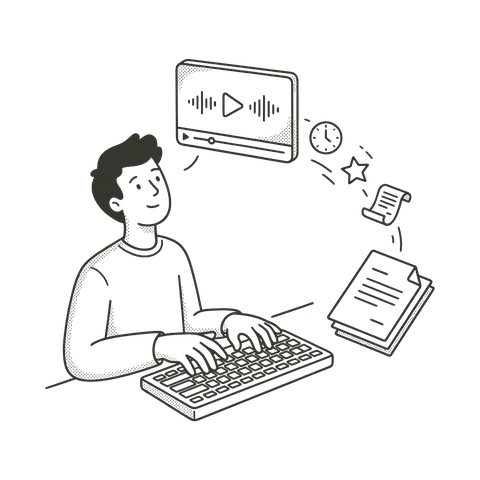
Stop manually typing out what the instructor said. Pluck extracts the official YouTube transcript and syncs the exact text blocks you need straight to your notes.
Automatic Organization
Pluck automatically pulls the video title, channel name, clean URL, and current video chapter into your Notion page, keeping everything perfectly organized.
Master the Shortcuts
Lightning-fast captures without leaving your video. Use these global hotkeys anywhere on YouTube.
Setup in Seconds
Connect Notion
Link Pluck to your Notion account with one click and choose where you want your notes to live.
Watch and Capture
Play your video. Press Alt+S (or ⌥ Option+S on Mac) to capture and draw on the screen, or Alt+N (or ⌥ Option+N on Mac) to write a quick timestamped note.
Auto-Sync
Pluck automatically formats your images, text notes, timestamps, and transcripts into a clean, organized Notion page.
Simple Pricing
Start building your video learning workspace today.
Starter Current Plan
-
check_circle
Take unlimited screenshots Save as many high-res images as you need, without limits.
-
check_circle
Draw on your images Add arrows, text, and highlights directly to your screenshots so they make sense later.
-
check_circle
Organize your way Send your notes to the exact Notion pages and folders you already use.
-
check_circle
Write quick timestamped notes Jot down your thoughts without pausing the video. Every note automatically links back to that exact second so you never lose context.
Pluck Pro
-
bolt
Grab spoken quotes instantly Click a button to save the last 30 seconds of dialogue as text, so you never miss a key point.
-
bolt
Study across all your platforms Use Pluck’s capture tools on Udemy and Coursera—not just YouTube.
-
bolt
Create instant study tools Let AI automatically turn your notes into summaries and ready-to-use flashcards to prep for exams faster.
-
check_circle
Get priority support Skip the line and get fast help directly from the developers.
Built for Every Learner
Whether you are studying for finals or picking up a new skill, Pluck adapts to your workflow.
University Students
Turn dense lecture recordings into highly visual, easy-to-review study guides.
Self-Taught Programmers
Capture code snippets and explanations without alt-tabbing between your IDE and the video.
Language Learners
Save specific pronunciation timestamps and capture on-screen vocabulary.
Designers & Creatives
Build mood boards and reference libraries directly from video essays and tutorials.
Frequently Asked Questions
Is Pluck's YouTube to Notion extension free? expand_more
Yes. Pluck is currently 100% free. You can capture unlimited YouTube screenshots, extract video transcripts, add custom annotations, and sync everything directly to your Notion workspace on your free plan.
How does Pluck export YouTube transcripts and timestamps to Notion? expand_more
Pluck handles this automatically in the background. When you capture a note, Pluck extracts the YouTube transcript, generates clickable timestamps, and pulls video metadata (like the title and channel), saving it cleanly into your Notion page.
How do I connect Pluck to my Notion database? expand_more
Setup is seamless. Securely authenticate Pluck with your Notion account, you can instantly select which existing Notion database you want your video notes to sync to.
Can I use Pluck to capture YouTube screenshots in full-screen mode? expand_more
Yes. Press the Alt+S keyboard shortcut to grab a native-resolution screenshot, or Alt+N for a quick timestamped note, while watching YouTube in full screen. You never have to minimize the video or switch tabs.
Does Pluck work for taking video notes on Udemy or Coursera? expand_more
Currently, Pluck is optimized exclusively as a YouTube to Notion clipper. However, support for capturing course notes from multi-platform players like Udemy, Coursera, and LinkedIn Learning is actively being built for our upcoming Pro release.
Do I need a paid Notion account to sync video notes with Pluck? expand_more
No. Pluck works perfectly with any free Notion account. As long as you have a Notion workspace, you can save your video frames, annotations, and transcripts without limitations.
How do I turn YouTube courses into structured notes for a Notion second brain? expand_more
Pluck lets you capture native-resolution video frames, clickable timestamps, and transcripts into your Notion database whenever you want as you watch. You can tag notes by topic, organize them into second brain or PKM workflows (like PARA or Zettelkasten), and build an interconnected knowledge base from video courses without tab-switching.
What learning strategies work best with Notion and YouTube? expand_more
Active recall and the Feynman technique work seamlessly: jot timestamped questions during lectures with Alt+N, annotate complex visual diagrams using Alt+S, and paste official transcripts into toggle lists for self-testing and spaced review directly in Notion.
Stop watching passively. Start building your knowledge base.
From install to your first Notion note in under a minute.